
After unpacking, the AG-1621 is ready to use but requires configuration to adapt to the required functions. Depending on the model, it may come pre-installed with dependencies and specific needs.
Power supply
First, connect the power supply according to the diagram. The Gateway is protected against reverse power connection. If the polarity is reversed, the Gateway will not start. Power supply range is 8-36V DC.
PoE
The Gateway can also be powered via PoE in the range of 8-36V using unused pairs of wires in the LAN cable. Below is the pinout of the RJ45 socket.
| PIN number | Function | Remark |
|---|---|---|
| 1 | RX+ | Data |
| 2 | RX- | Data |
| 3 | TX+ | Data |
| 4 | DC+ | Power supply positive |
| 5 | DC+ | Power supply positive |
| 6 | TX- | Data |
| 7 | DC- | Power supply negative |
| 8 | DC- | Power supply negative |
OpenWRT Startup Guide
Opening inbuilt website
Through the LAN interface
To access the built-in website, connect the gateway by WAN to the local network and enter the IP address in the address window of the browser. Please note that it may take some time from powering on to booting up the system.
IP: http://192.168.10.60
user name: root
password: root

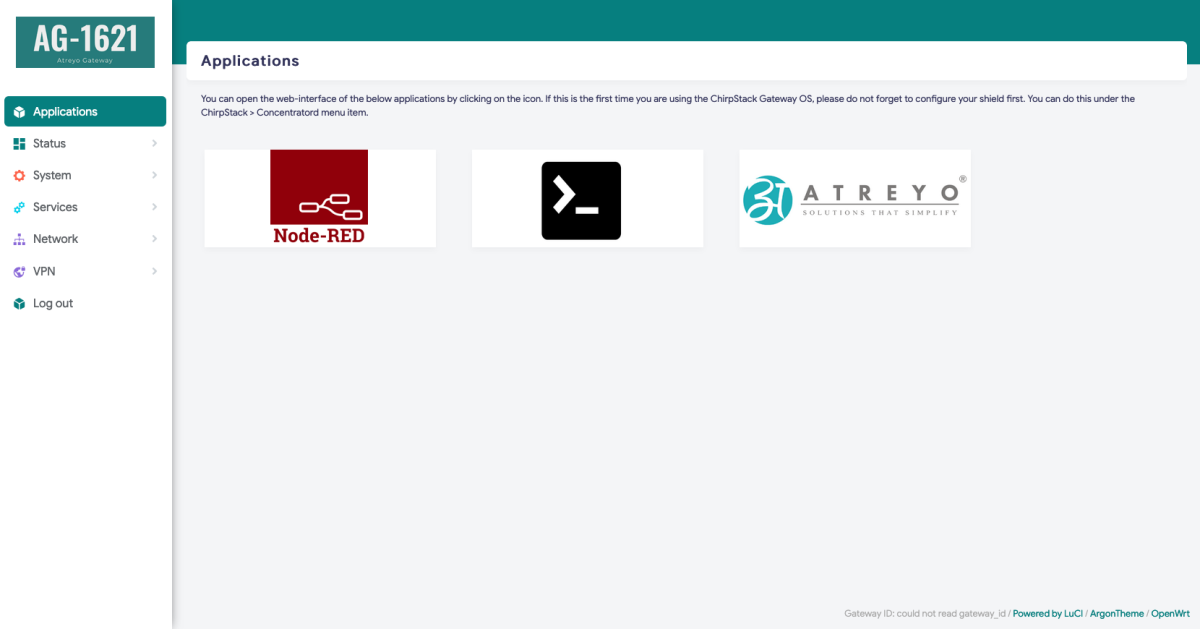
After logging in, you are automatically taken to the application page.
Linux Startup Guide
coming soon ...